


01
Start with the business.
Give the company a direction. Bring the knowledge and projects that matter. Choose one real responsibility to work on.
Your agents. Your company knowledge. The tools to make things happen.
One workspace for building the product and running the work behind it.
Join the waitlist Pricing is not set yet. We will email you when access opens.See CPLai at workRecorded in a separate demo environment. Companies, people, activity and costs are illustrative.
There’s the product to build. The content to create. The next client request. And the knowledge that makes all of it yours.
CPLai gives that work a shared home, with an AI team you can organize, equip and work alongside.
A company, connectedGo from the direction you set to the details that need your attention.
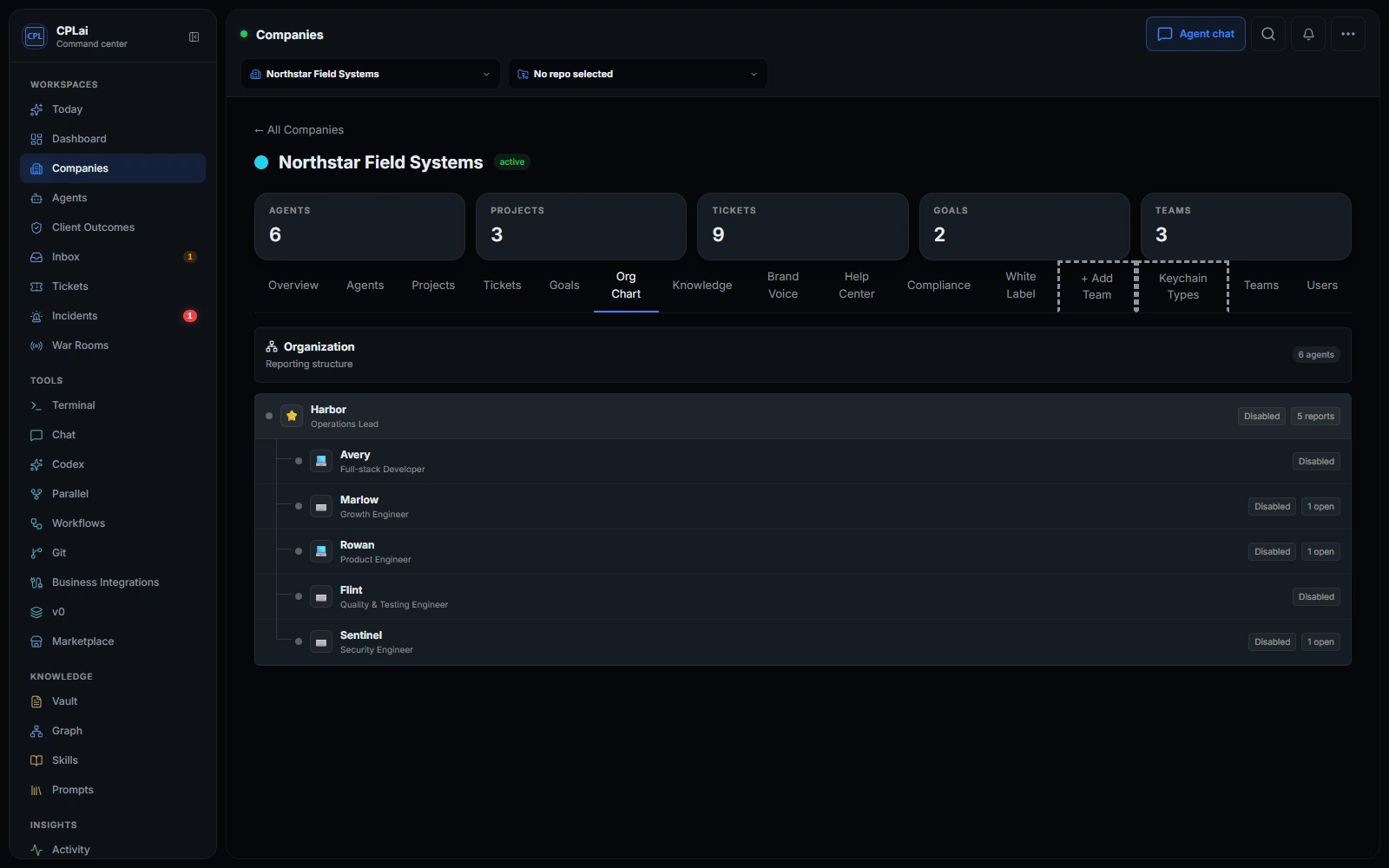
Define the company’s goals, organize its projects, and give agents clear roles, relevant knowledge and access to the tools their work requires.
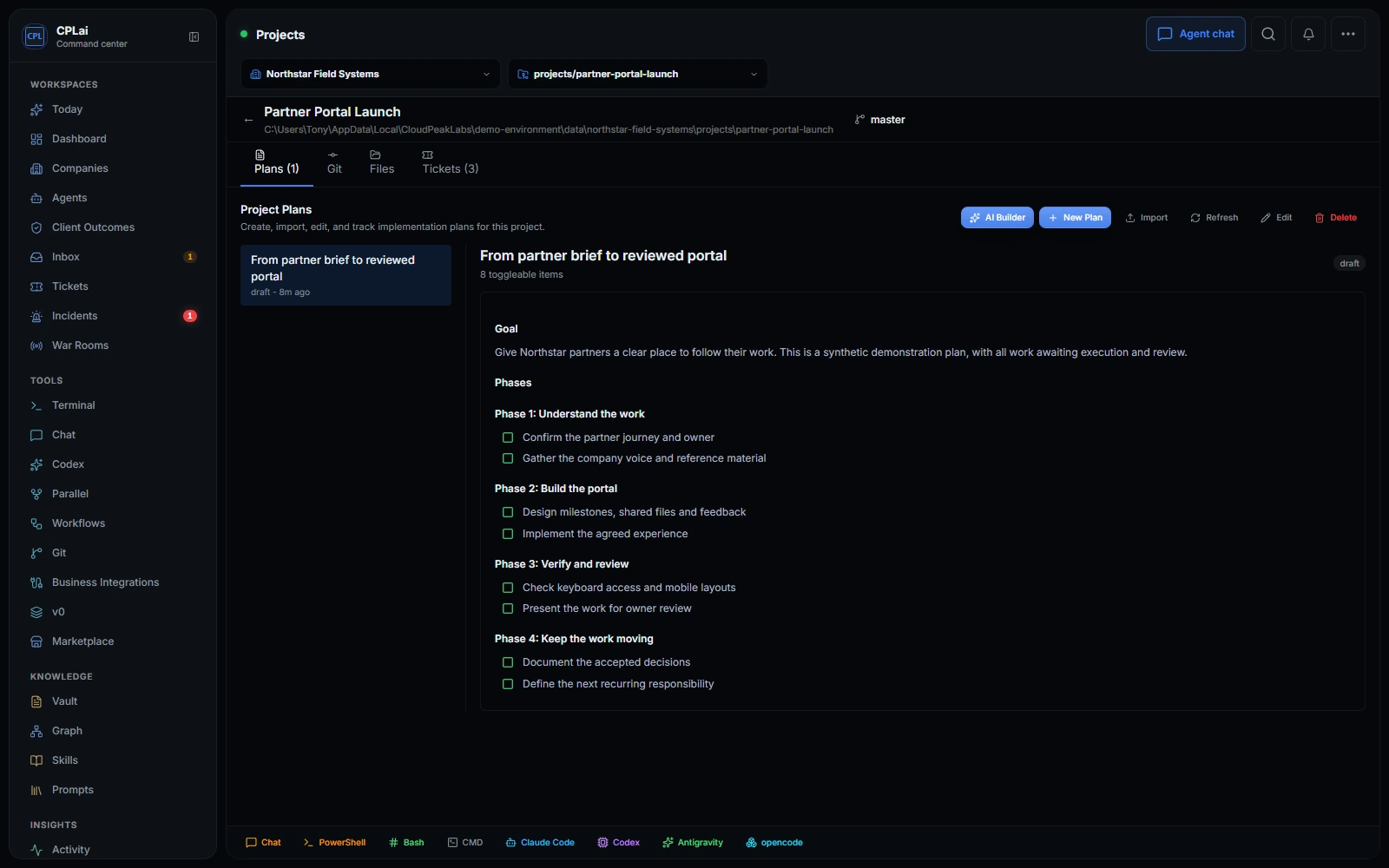
Bring a brief into a project. Organize a plan, assign responsibilities and keep the work connected to the company it serves.
Actual web app screens from an isolated demo with synthetic company data. Watch the web app walkthrough ↗
A useful AI team needs context, responsibilities and a place to get things done. You decide where to begin.
Give the company a direction. Bring the knowledge and projects that matter. Choose one real responsibility to work on.
Discuss an approach, open the files, inspect a change or run a terminal. Get directly involved wherever your judgment helps.
Schedule repeat work with the access it needs. Review results and exceptions, keep useful context, and decide what comes next.
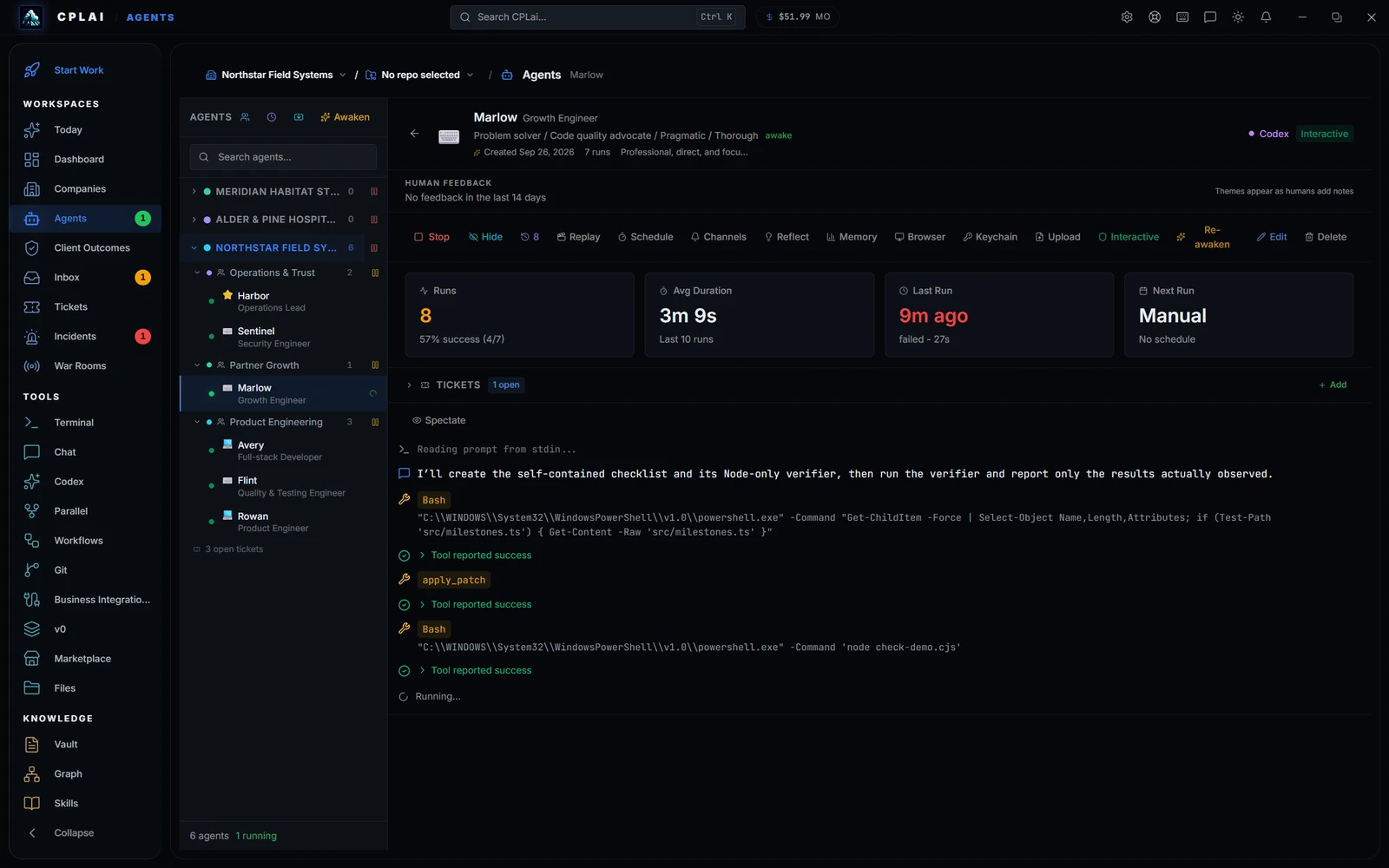
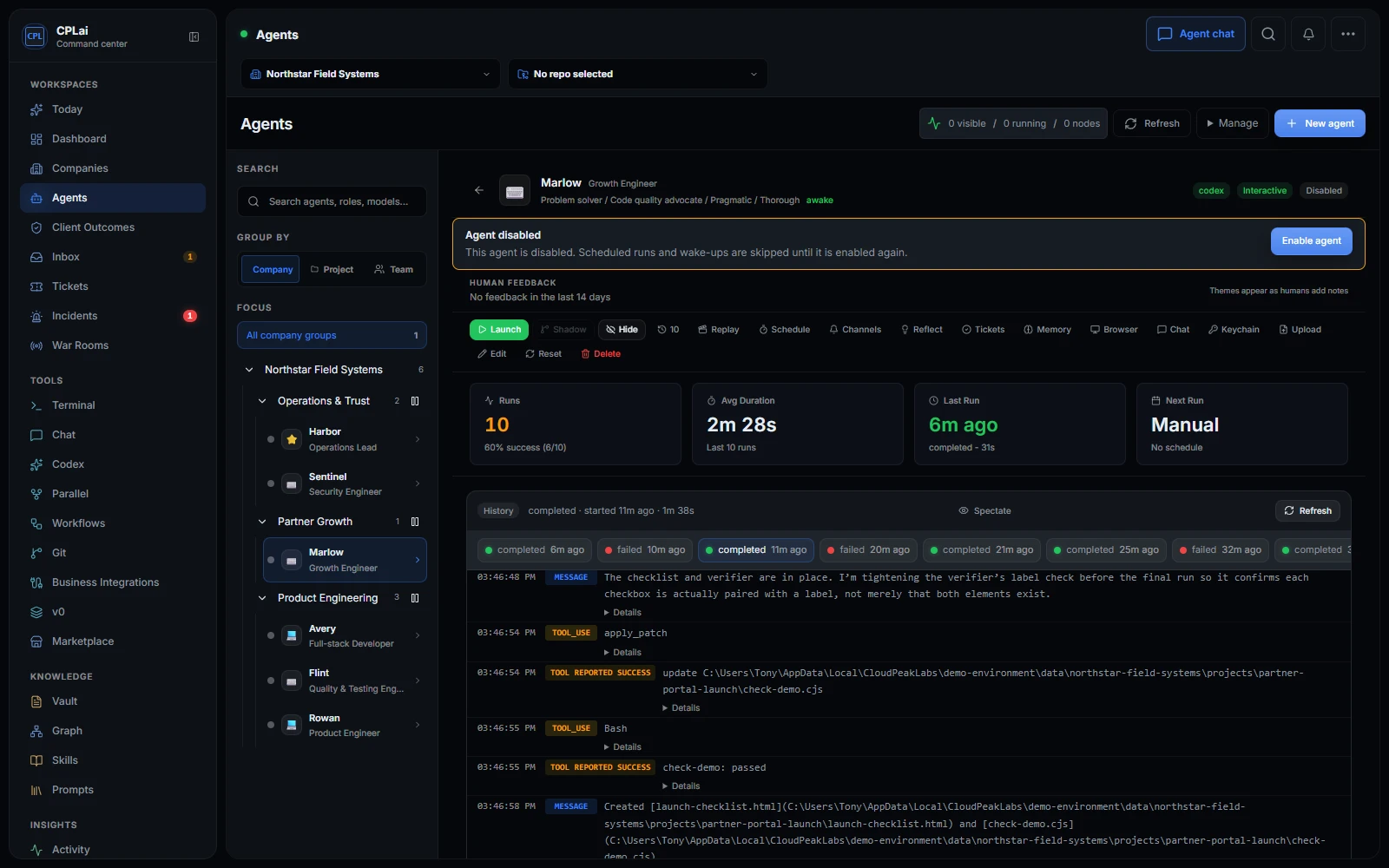
For this demo, Marlow created a working launch checklist, improved its verification script and ran the checks. Open the run in the browser to review the activity and result.
Review the run in the web app ↗Actual agent execution. Fictional company and task. Edited excerpts from an isolated demo.
Chat & editor · Terminal & Git · Skills & integrations · Council · Parallel
Run your AI coding tools side by side, and open the code they are changing.
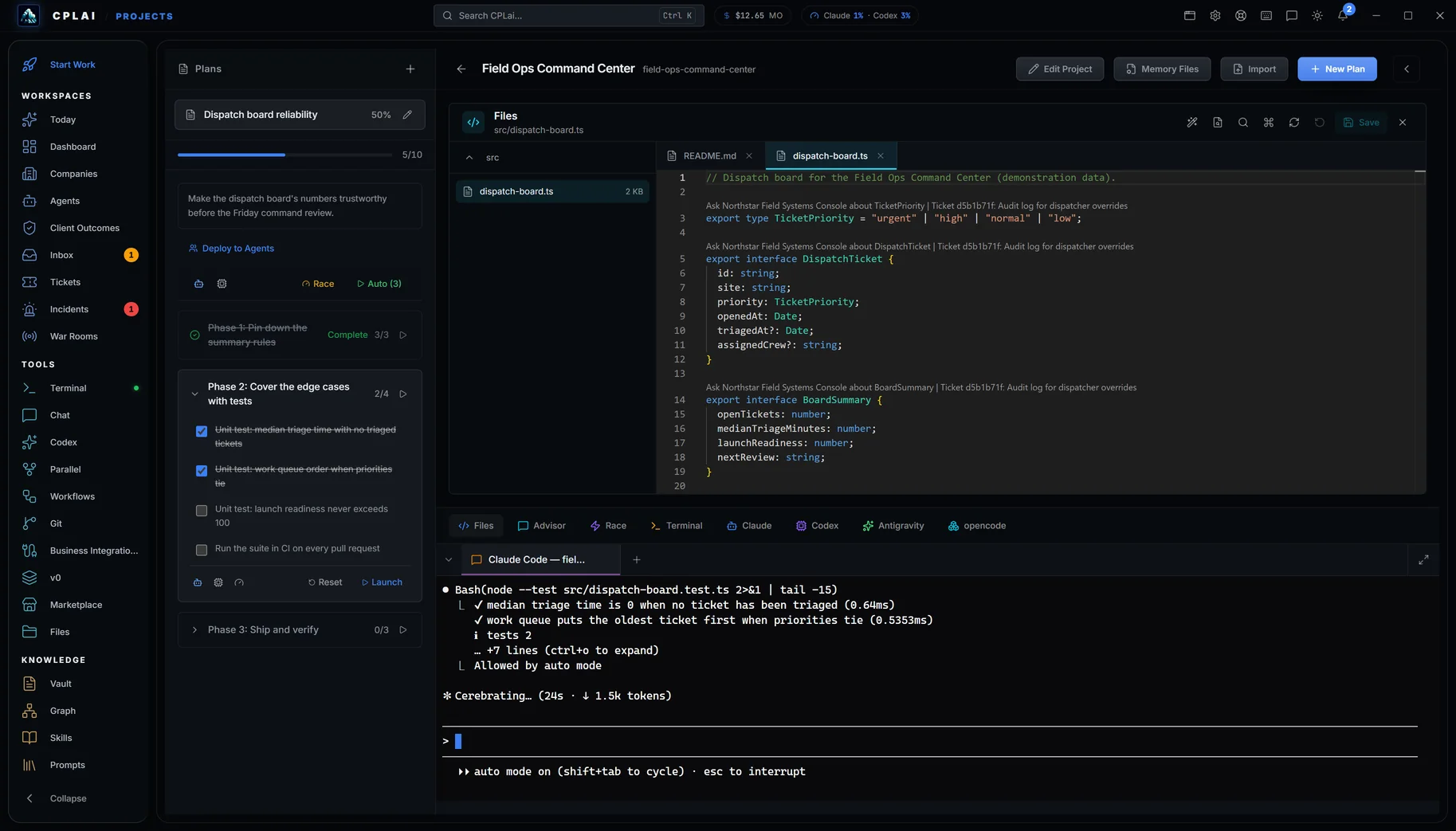
Open Claude Code, Codex and other AI command-line tools next to plain shells, in tabs, columns or a grid. Each one uses the login already on your machine.
Claude Code · Codex · Antigravity · opencodeA session that asks for input flags its tab. Send one command to several sessions, or get a summary of what each is doing. Your layout and scrollback return after a restart.
Attention alerts · Supervisor · Saved layoutsEvery project has a built-in editor. Jump to a file, search the project, ask an agent about the function in front of you, and review an AI edit as a diff before you accept it.
Quick Open · Code lenses · Inline AI edit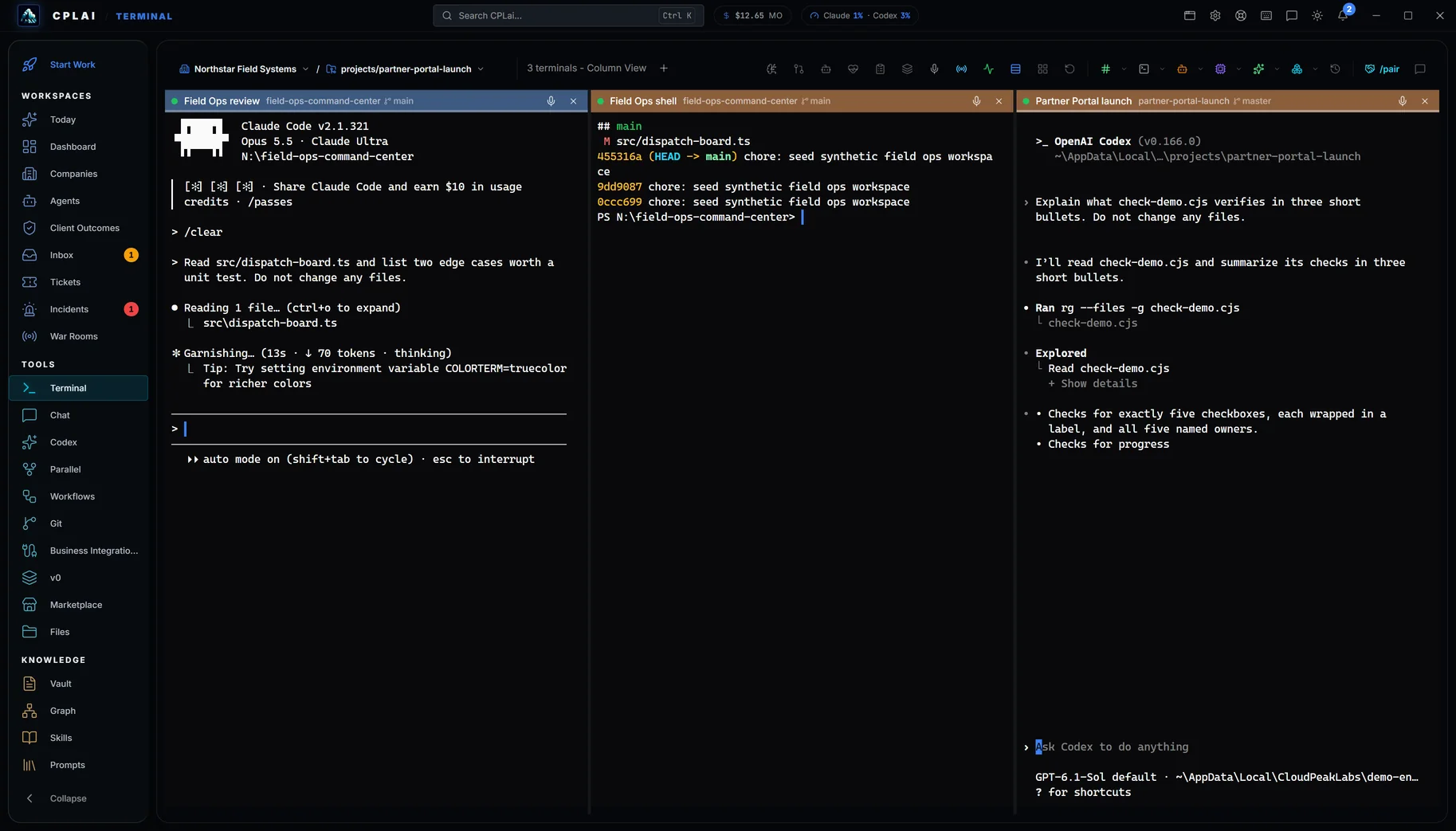
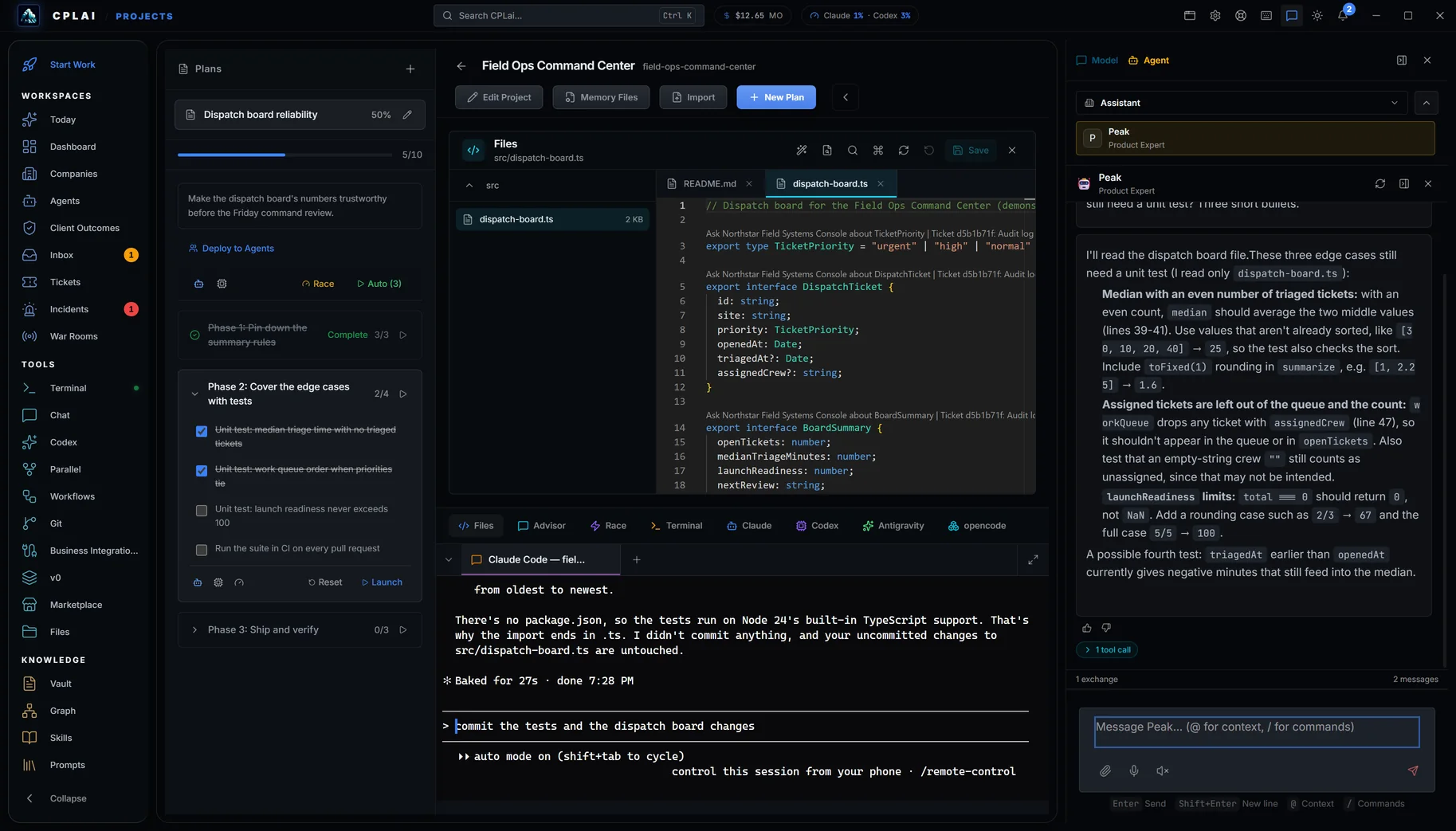
Actual desktop app screens from an isolated demo with synthetic project data.
The product to build.
The business to run.
They belong together.
CPLai grew from building products and operating our own businesses at CloudPeakLabs. We’re bringing that workspace to founders who want an AI team they can work with, direct and understand.
Our product examples show first-party use and labeled demonstration scenarios.
Keep a workspace on infrastructure you control. Connect the models and services your work calls for.
CPLai runs on a supported Windows 11 host today. Linux and macOS versions are on the way. Access supported workspace features from a browser, including on another device.
Windows 11 first · Linux and macOS on the way · Browser accessChoose supported AI providers, subscription-backed CLI tools or compatible local models. Match the setup to the work.
Provider subscriptions and usage are separateConfigure schedules, access and review expectations. The host service and required providers need to be available for scheduled work.
Your responsibilities · Your configured controlsWant the detail? Read the documentation
Have something more specific in mind?
Ask the founder
It includes an editor, terminal, Git and agent working sessions. Those tools sit within a broader workspace for company goals, teams, knowledge and ongoing operations.
It depends on the workflow and permissions you configure. Agents can execute assigned and scheduled work. You define responsibilities, review results and manage consequential decisions. The controls and approval behavior vary by execution path.
The CPLai host service can continue configured scheduled work after the desktop window closes. The host, service, required providers and integrations must remain available. Pausing future schedules is separate from stopping an active run.
CPLai is local-first. Connected AI providers, integrations and production account activation use external services. Compatible local-model options are available. Data flows depend on the services and execution paths you choose.
We’re starting with hands-on founders of small digital businesses: people building products, serving clients and keeping operations moving. Technical confidence helps with setting up the host, provider accounts and integrations.
Pricing has not been announced. Join the waitlist and we will tell you when it is. AI provider subscriptions and usage are separate from CPLai.
Join the waitlist and tell us which workflow you want help with. We will email you when access opens. Join the waitlist ↓
A client delivery. A product improvement. A recurring responsibility.
Join the waitlist and tell us where you would start.
Rather talk it through? Email the founder